Key takeaways
- Turo’s earnings export shows trip price, Turo’s share, and payouts — nothing about repairs, cleaning, tolls, financing, or depreciation — so it cannot tell you whether a vehicle is profitable.
- Turo batches payouts on its own schedule, so one deposit can span several trips and two months; book revenue by trip end date and treat the deposit as settlement.
- A usable ledger needs trip-level revenue, Turo’s share as its own line, costs attached to the specific vehicle, bank activity reconciled to trips, and owner attribution travelling with the car.
- Aggregate revenue hides losers: in our experience most ten-car fleets with healthy totals are carrying at least one car that loses money, visible only per VIN.
- Validate with one vehicle and one month: does revenue tie to trips ending that month, does Turo’s share compute to the plan rate, and does every bank transaction belong to a car?
Turo will show you what it paid you. That is a genuinely different question from what your fleet earned, and confusing the two is how operators end up running unprofitable vehicles for months without noticing.
What does Turo’s earnings export actually contain?
Turo’s earnings data is built around trips and payouts: trip dates, trip price, Turo’s share under your earnings plan, guest reimbursements, and the resulting payout.
That’s revenue-side only. It contains nothing about:
- Repairs and maintenance
- Cleaning and turnover
- Fuel or charging you didn’t recover
- Tolls and citations
- Damage responsibility paid on a claim
- Financing payments, insurance, registration, storage
- Depreciation
Which means the export cannot answer the only question that matters at fleet scale: is this specific car making money? It can only tell you the car produced revenue, which every car does.
The two problems with using it directly
Payouts don’t map cleanly to months. Turo batches payouts on its own schedule. A single deposit can cover several trips, some of which started in the previous month. If you book revenue when the deposit lands, your monthly numbers drift away from the activity that produced them, and owner statements stop matching reality.
Book against trip end date instead, and treat the deposit as settlement rather than as the revenue event.
Aggregate hides the losers. In our experience most ten-car fleets with healthy total revenue are carrying at least one car that loses money. At the aggregate level they’re invisible, subsidized by the performers. You only see them when revenue and costs are attributed per vehicle — per VIN, not per fleet.
What a usable ledger requires
Whatever tooling you use, the target is the same. Every dollar in and out lands against a specific vehicle, and:
- Revenue is trip-level, not payout-level, so it can be assigned to the right period and the right car.
- Turo’s share is its own line, not netted silently into revenue — otherwise your gross is understated and your margin looks better than it is.
- Costs attach to the vehicle that incurred them. A tire invoice is per-VIN data, not an overhead bucket.
- Bank activity reconciles to the trips inside it, so the deposit and the ledger agree.
- Owner attribution travels with the vehicle, where cars belong to other people.
Get those five right and per-vehicle P&L, company financials, and owner statements all fall out of the same data — and therefore agree. Get them wrong and you maintain three separate spreadsheets that diverge a little more each month.
Doing it manually
Viable up to a handful of cars, and worth understanding even if you later automate:
- Export trip data each month and record revenue by trip end date
- Show Turo’s share separately at your plan’s rate
- Categorize every bank transaction against a vehicle, including the ones that arrive without a description
- Accrue for maintenance rather than only recording it when it hits, so a $900 brake job doesn’t make an otherwise fine month look catastrophic
- Reconcile each Turo deposit to the trips it covers
The failure point is rarely the first month. It’s month seven, when a claim opened in month five pays out, a guest reimbursement was rebilled late, and nothing ties out — with no audit trail explaining why.
Doing it with FleetPilot
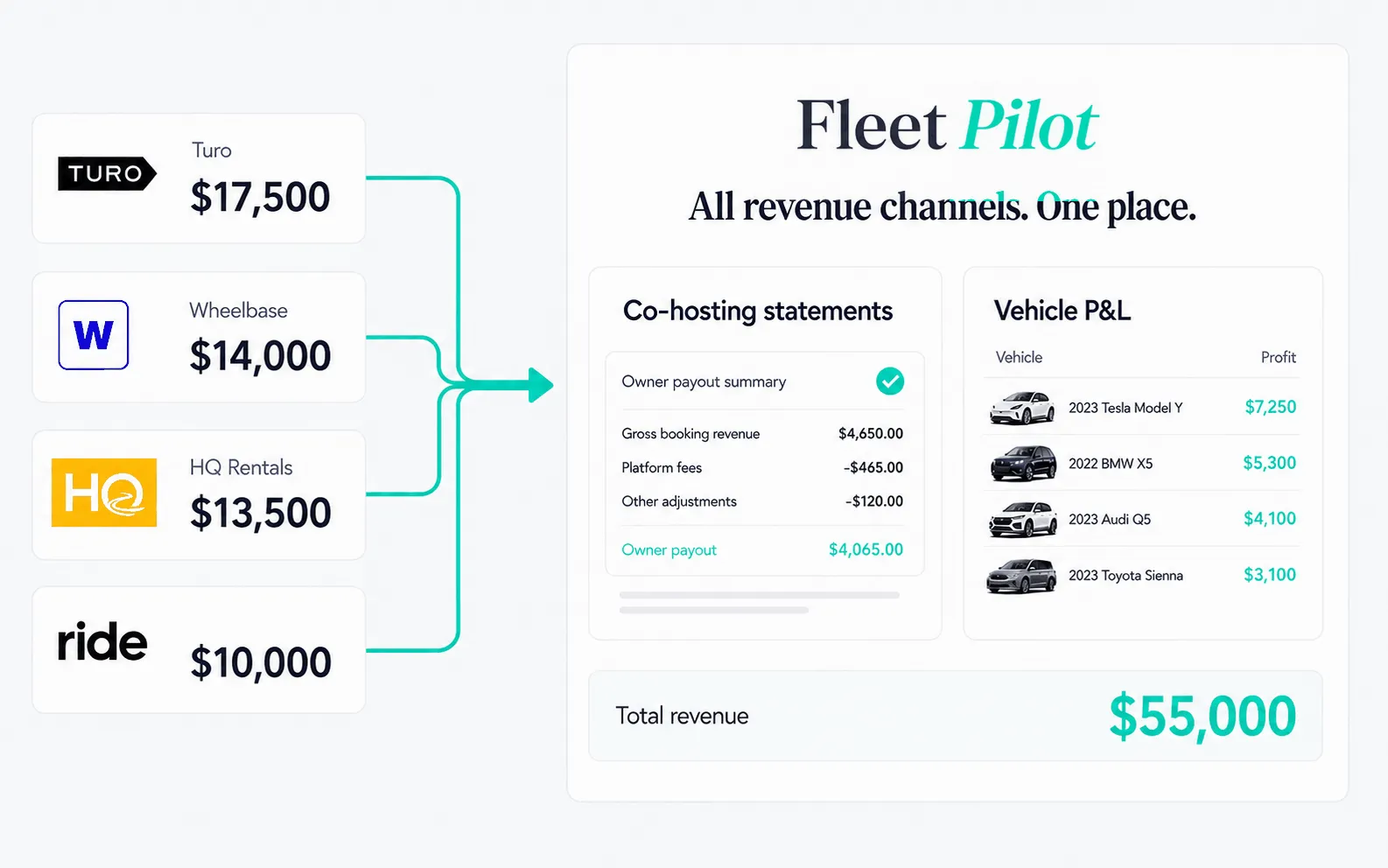
FleetPilot connects Turo — along with Ride, HQ, or Wheelbase — plus the bank account the fleet actually runs on. From there, trips, payouts, platform fees, repairs, tolls, and claims get matched to the right vehicle and the right owner automatically.
The result is one vehicle-aware ledger producing a company P&L, true profit for every VIN, and owner statements from the same underlying data — so they come from one dataset rather than needing to be reconciled against each other. Start on the Free plan — no credit card required.
Exact screens change as the product does; if anything here doesn’t match what you see, the in-app flow is authoritative.
What to check once it’s in
Whatever route you take, validate with these:
- Pick one vehicle and one month. Does revenue tie to the trips that ended in that month?
- Does Turo’s share compute to your plan rate — 70%, 80%, or 90% of trip price depending on which of the three plans that car is on?
- Does every bank transaction belong to a vehicle, or is there an unallocated bucket quietly absorbing costs?
- Can you produce a per-vehicle profit number without building it by hand?
- If cars belong to owners, does the owner statement total match the payment that left your account?
If the last one fails, nothing upstream is trustworthy yet. That’s the subject of how to build a Turo owner statement.
Frequently asked questions
Does Turo's earnings export show profit?
+
No. It shows trip price, Turo's share, and payouts. It contains nothing about repairs, cleaning, tolls, financing, insurance, or depreciation, so it cannot tell you whether a vehicle is profitable.
Why don't Turo payouts match my bank deposits?
+
Payouts are batched and timed on Turo's schedule, so one deposit can span several trips and two calendar months. Reconciling requires matching deposits back to the individual trips inside them, which is why trip-level rather than payout-level data matters.